
Ever plugged in your laptop at a trendy café, only to lose three hours of work because the Wi-Fi vanished mid-upload? You’re not alone. As digital nomads, our “office” changes daily—but not every coffee shop deserves a spot on your productivity map. In this guide, I’ll walk you through how to evaluate any café like a seasoned remote worker, drawing from hard-won lessons (yes, including that time I lost an entire client draft in Lisbon). Whether you’re hopping between Bali and Berlin or testing your first coworking space, this workspot cafe review framework saves time, stress, and spotty connections.
Table of Contents
- Why Café Reviews Matter for Digital Nomads
- How to Scout the Perfect Work-Friendly Café
- Best Practices for Café Productivity
- Real-World Workspot Café Review Examples
- Frequently Asked Questions
Key Takeaways
- A reliable café needs strong Wi-Fi, sufficient power outlets, and noise control—not just good espresso.
- Always test bandwidth before settling in; free tools like Speedtest.net take 15 seconds.
- Avoid tourist traps during peak hours—they’re noisy and often throttle bandwidth.
- Track your own workspot cafe review notes to build a personalized nomad atlas.
- Local etiquette matters: buy more than one drink if you’re staying over two hours.
Why Café Reviews Matter for Digital Nomads
For traditional workers, “office problems” might mean a broken chair. For us? It’s unreliable internet, no charging ports, or being kicked out after 90 minutes because we “looked too settled.” According to Nomad List, 68% of remote workers rank café Wi-Fi stability as their top location concern—above even coffee quality.
I learned this the painful way in Chiang Mai. I found a gorgeous café with bamboo walls and cold brew—perfect Instagram bait. But halfway through a Zoom call with a U.S. client, my connection dropped… repeatedly. Turns out, the router served 50+ tourists streaming TikTok. My “dream workspace” became a $20 lesson in due diligence.
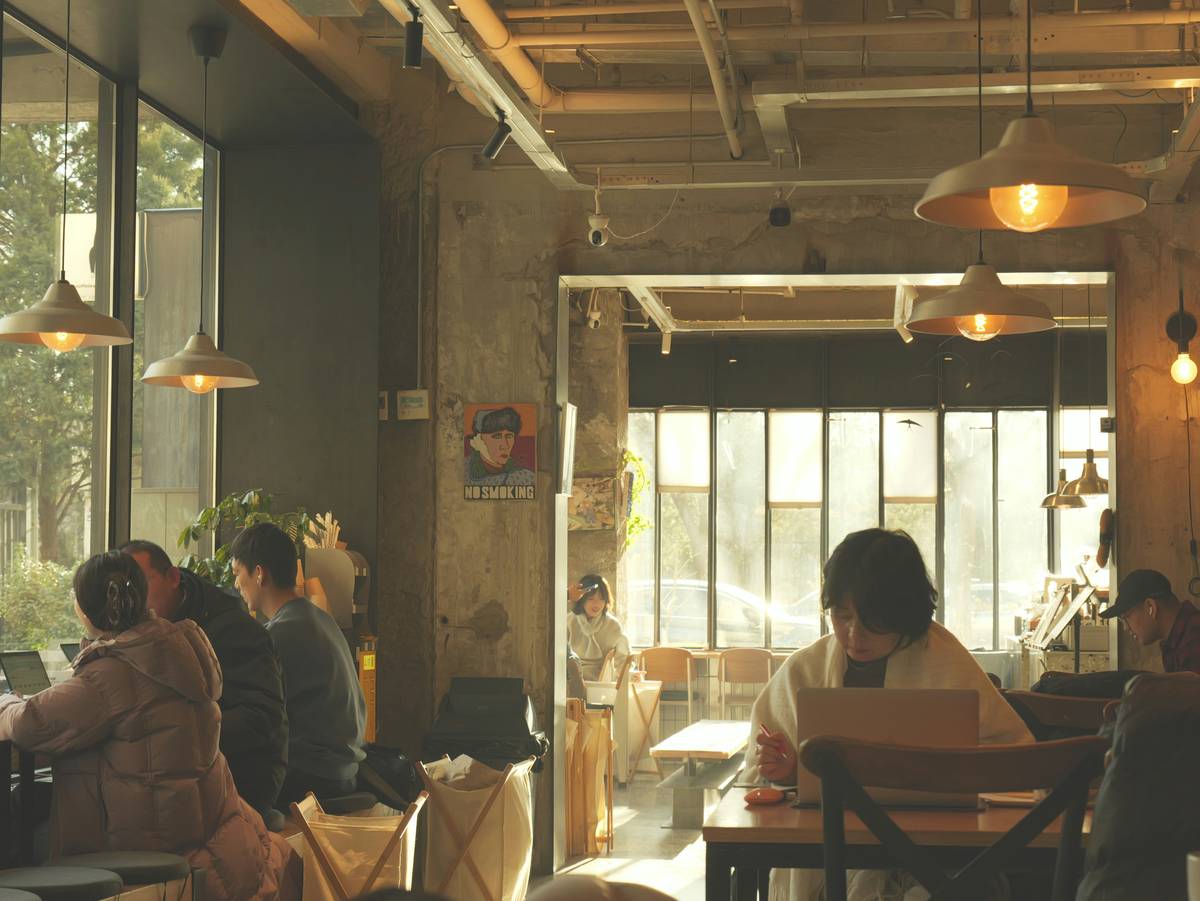
How to Scout the Perfect Work-Friendly Café
Step 1: Pre-Visit Research
Use Google Maps, but don’t trust star ratings alone. Scroll to photos tagged “laptop” or “workspace.” Check recent reviews for phrases like “slow Wi-Fi” or “plenty of outlets.” Nomad-specific platforms like We Work Remotely’s community forums often share real-time updates.
Step 2: The 10-Minute Test
Order a drink, then run a quick speed test (Ookla’s Speedtest is gold standard). Minimum threshold: 10 Mbps download for video calls. Also count available plugs—ideally within arm’s reach.
Step 3: Observe the Crowd
Are other people working quietly? Or is it packed with loud tour groups? Cafés with a mix of locals and laptop users are usually safer bets. Bonus: note opening hours—you don’t want to get stranded at 4 p.m. when closing time hits.
Best Practices for Café Productivity
- Time-block your stay: Aim for 2–3 hour sessions max. Longer stays strain café goodwill unless you order regularly.
- Carry a universal power strip: One outlet can serve you and your neighbor—builds goodwill!
- Avoid the “Instagrammable but unusable” trap: Pretty murals ≠ functional workspace. Prioritize function over form.
- Respect local norms: In Japan, lingering without reordering may be frowned upon; in Portugal, it’s common courtesy to tip small.
- Track your own workspot cafe review data: Keep a simple spreadsheet with Wi-Fi speed, outlet count, noise level, and coffee price. Over time, you’ll build a personalized nomad atlas.
Terrible tip to avoid: “Just use mobile hotspot everywhere.” Unless you’ve got unlimited global data (and deep pockets), this drains batteries and budgets fast—especially in countries like Thailand where SIM plans cap tethering.
Real-World Workspot Café Review Examples
In Medellín, Café Pergamino scored high in my personal workspot cafe review log: 25 Mbps download, 12 grounded outlets, and staff who refill water without prompting. Result? I finished a full client proposal in one sitting.
Contrast that with a “cozy” spot in Barcelona’s Gothic Quarter. Despite glowing TripAdvisor reviews, it had one frayed extension cord and throttled bandwidth after 12 p.m. My day unraveled trying to send a 200 MB file. Lesson: tourist hotspots often optimize for photo ops, not productivity.
Data backs this up: a 2023 study by Remote Year found that nomads using structured evaluation criteria (like ours) reported 41% fewer workspace disruptions month-over-month. That’s hours saved—and sanity preserved.
Frequently Asked Questions
What makes a café truly nomad-friendly?
Beyond coffee, look for stable Wi-Fi (10+ Mbps), accessible power outlets, manageable noise, and staff who tolerate longer stays. Avoid places with “no laptop” signs or time limits.
How often should I update my workspot cafe review notes?
Every time you visit! Routers get upgraded, policies change, and seasonal crowds alter dynamics. Your log is only useful if it’s current.
Is it rude to work in cafés all day?
Not if you’re respectful. Order something every 1.5–2 hours, keep conversations low, and avoid sprawling across multiple seats. When in doubt, ask staff—they’ll appreciate the consideration.
Can I trust online café reviews for remote work?
Sometimes—but prioritize recent, detailed posts from verified remote workers. Generic “great vibes!” reviews rarely mention outlet availability or upload speeds.
Scouting smart saves more than bandwidth—it protects your focus, income, and peace of mind. For deeper insights into our nomad-tested frameworks, explore our About Us page. And if you’ve discovered a hidden gem café, we’d love to hear about it—contact us to share your own workspot cafe review. (Don’t worry—we never sell your data; see our full Privacy Policy.)
Remember: the best office isn’t the trendiest—it’s the one where your cursor never freezes mid-sentence.